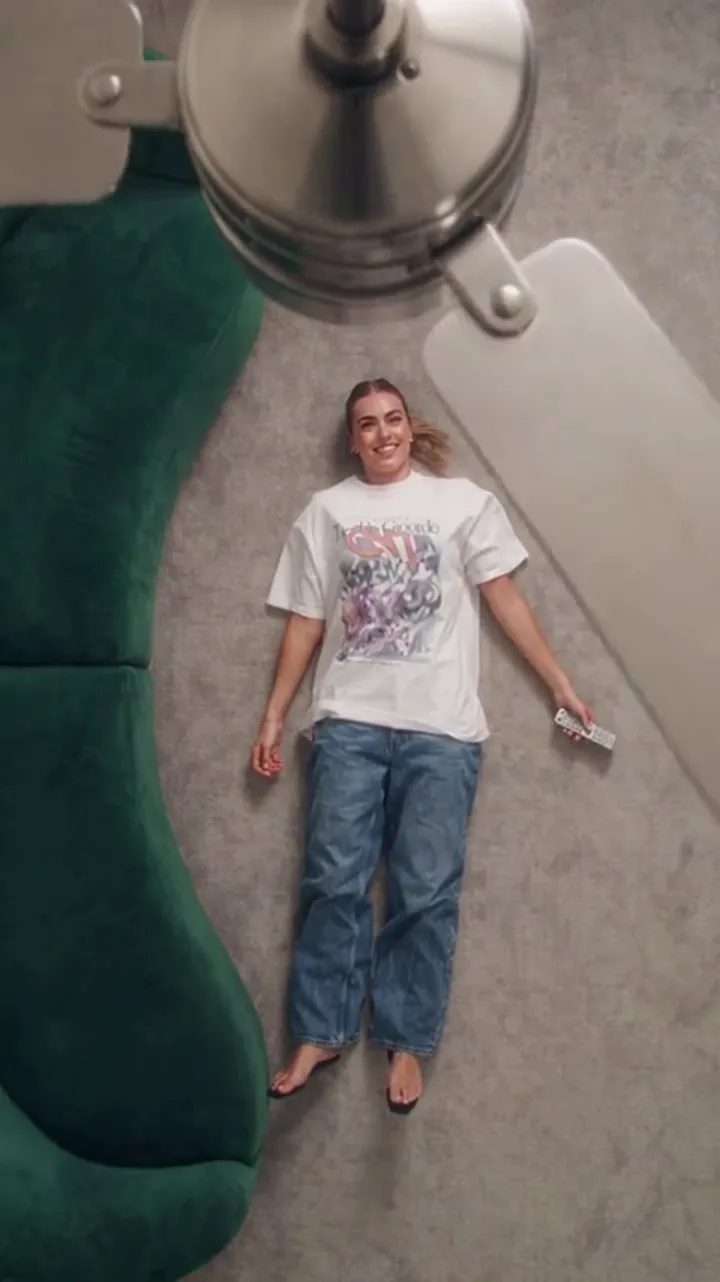
AI Ceiling Fan Transition: How the Wipe Effect Works
The AI ceiling fan transition is a generated wipe: a spinning blade crosses the frame and your outfit changes behind it. What you feed it and what it costs.
Read guideAppearance
ONE PHOTO. A NEW OUTFIT EVERY SPIN.
Upload one clear photo and describe the looks you want. The camera and the room stay fixed while the fan blade sweeps past — and your outfit changes on every pass.
The room and the spinning blade stay fixed. Your photo and your prompt decide what changes.
JPG, PNG or WebP · up to 10 MB · up to 5 photos
Photo 1 is the person: their face, hair and build are kept and their clothes are not. Photos 2–5 are the outfits to reveal, in order. Leave every slot empty and the video is made from your prompt alone.
This video: 30 credits · 12s · 1080p · 9:16
No photo added: this video is made from your prompt alone.
Confirm the permission box to continue.
This video: 30 credits · 20 videos a month for $39.90, or 240 videos a year for $319.00
Plan counts use the standard 720p · 12-second clip; other resolutions and lengths cost more or less.
One-time payment. Failed generations return their credits.
Pick a scene, write a prompt, and generate. Finished videos appear in this space.
02 / Create
Upload a clear, well-lit photo where your face is easy to see. Add up to four outfit photos if you want specific looks, or describe them in the prompt instead.
Pick one of eight presets for the room and the fan, then choose the resolution, the length and the aspect ratio. The credit cost updates before you generate.
A default video is 1080p for 12 seconds and costs 30 credits. When it finishes you can play it, download the MP4 and post it with your own sound.
Tape a phone to the ceiling, lie down, film one take per outfit from the same angle, then cut each clip on the blade pass. One bad angle ruins the whole sequence.
Upload one photo, list the outfits in order, and generate the whole transition in a single pass. Regenerate any version and keep the one you like.
The transition is generated, so hands, fabric folds and small facial details can shift between runs. Regenerating is a normal part of using it, and two runs are never identical.
10 credits per standard video. If you make videos every month, a subscription pays twice the credits of the one-time pack at the same price.
10 credits per standard video · Preview and download included · Buy credits when you need more
$9.90/month
20 credits
Billed monthly
$19.90/month
60 credits
Billed monthly
$39.90/month
200 credits
Billed monthly
$79.90/month
500 credits
Billed monthly
The Party Pack and one month of Pro both cost $39.90. The subscription pays 200 credits; the pack pays 100.
$9.90
10 credits
$19.90
30 credits
$39.90
100 credits
$79.90
250 credits
$149
600 credits
Video counts and per-video prices use the standard video: 720p for 12 seconds, 10 credits. The default generation on the studio is 1080p for 12 seconds and costs 30 credits.
Length scales the price and rounds up to a whole credit. Every aspect ratio costs the same.
| Model | 480p | 720p | 1080p |
|---|---|---|---|
| Standard · Seedance 2.0 | 5 | 10 | 30 |
Secure checkout by Stripe · Packs never expire · Subscriptions renew until canceled
Failed or refused generations return their credits automatically. Cash refunds are handled under the refund policy.
The AI ceiling fan transition is a generated wipe: a spinning blade crosses the frame and your outfit changes behind it. What you feed it and what it costs.
Read guide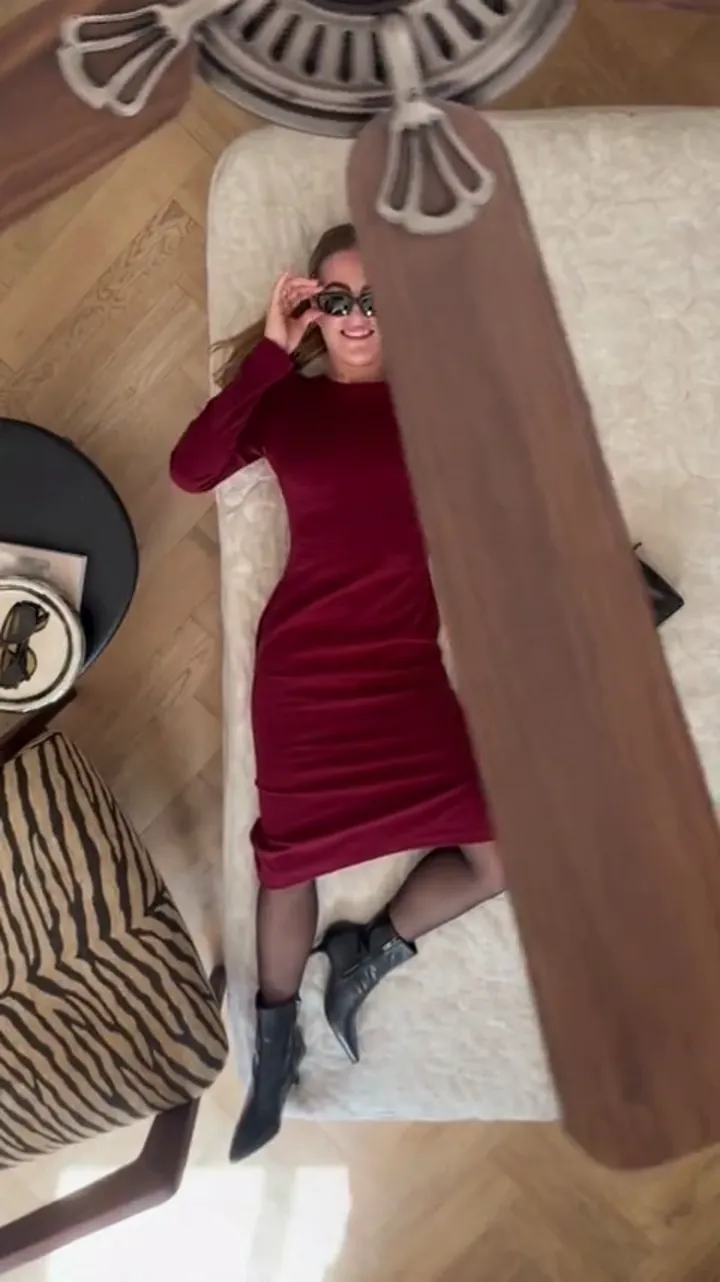
What is genuinely free on this tool: seven sign-in claims of 10, 20, 30, 10, 10, 10, 10 credits every 24 hours, and how to make your first clip without paying.
Read guide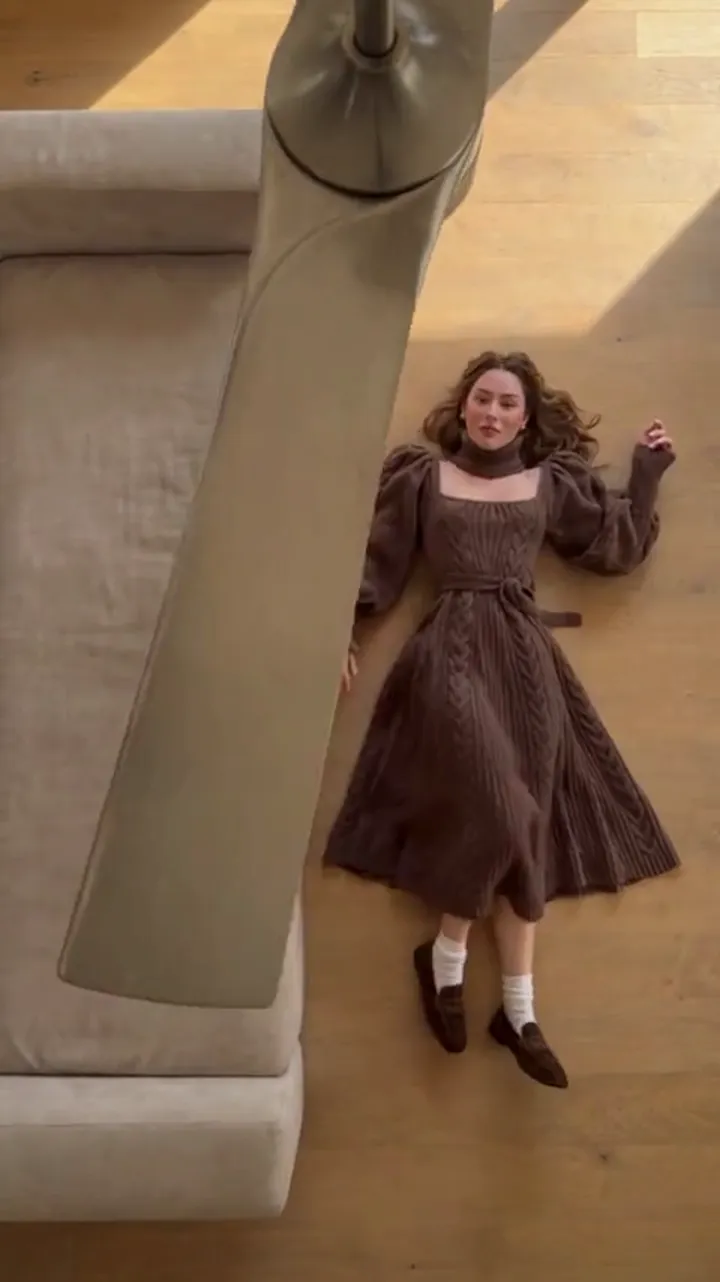
All eight scene presets, what each one fixes about the room, camera and fan, and what you still control: your photos, your prompt, length and resolution.
Read guide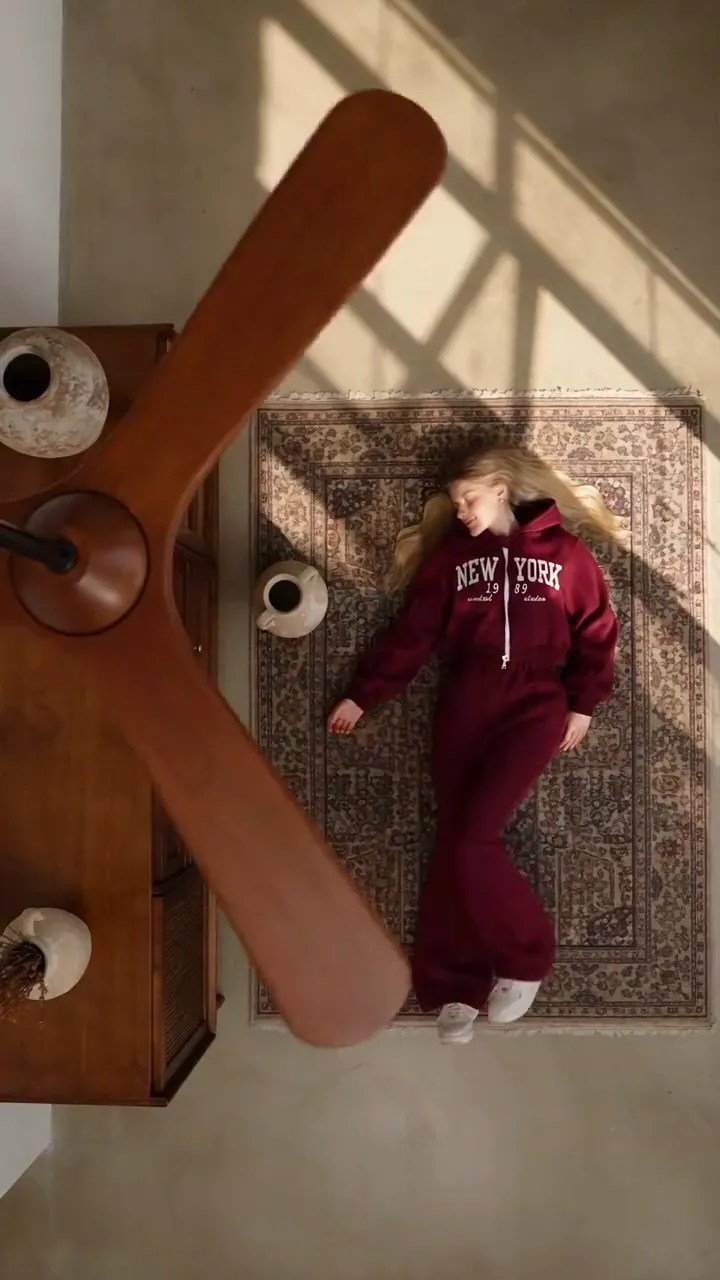
Generate a vertical 9:16 clip for TikTok, then add your own track in the app. Why the file ships silent, and how to set up a post that plays full screen.
Read guide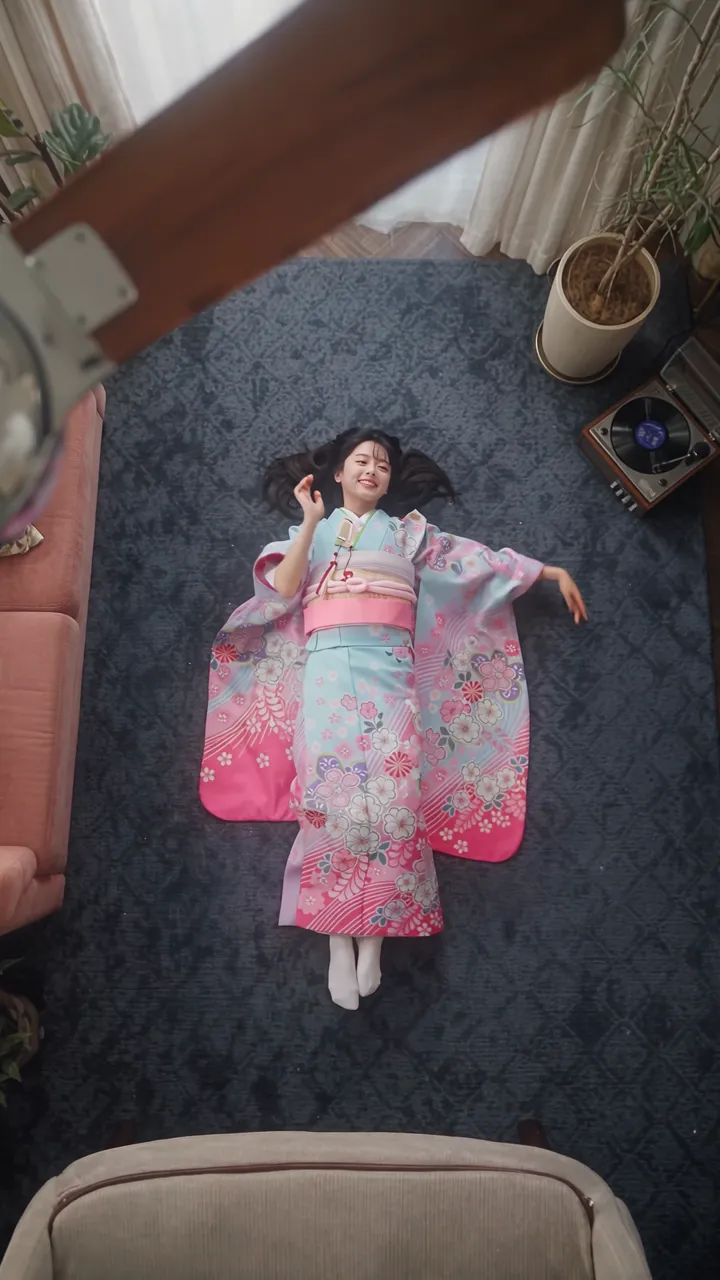
Choose 6 or 12 seconds, 480p or 720p or 1080p, and 9:16 or square. Here is what changes between the settings, what each clip costs, and what to try first.
Read guide
What the ceiling fan transition trend is, how the manual phone-on-the-ceiling method works, and how a generated version compares to filming it yourself.
Read guideIt is a short vertical video in which a ceiling fan sweeps across the frame and the person below appears in a different outfit on each pass. The camera and the room stay fixed, so the blade hides the change.
Read guide · What is the AI ceiling fan transition?One clear photo is enough. Add up to four more photos of different outfits only if you want those exact looks; each reference image is one outfit, in order.
Read guide · How many photos do I need?A standard video — 720p for 12 seconds — costs 10 credits. The default delivery is 1080p for 12 seconds and costs 30 credits. The exact cost is shown before you generate.
Read guide · What does a video cost?Sign in and claim the sign-in reward once every 24 hours. The seven claims pay 10, 20, 30 and then 10 credits a day, so the first two claims already cover a default video.
Read guide · How do I get credits without paying?No. A generation is charged once and the finished video is yours to preview and download. There is no watermark and no unlock step.
Read guide · Is there a watermark, or a second charge to download?The presets are tuned for the ceiling fan wipe. You can change outfits, hair, makeup or the room in the prompt, but the model, the camera and the wipe stay as they are.
Read guide · Can I use it for a different trend?The credits are returned to your balance automatically, and the failure is shown in your video list. Nothing is charged for a job that did not produce a video.
Read guide · What happens if a generation fails?No. Ceiling Fan AI is an independent tool and has no partnership with TikTok, Instagram, YouTube, Pixazo, Media.io, Higgsfield, Google Flow or ByteDance.
Read guide · Is it affiliated with TikTok or the tools it is compared with?